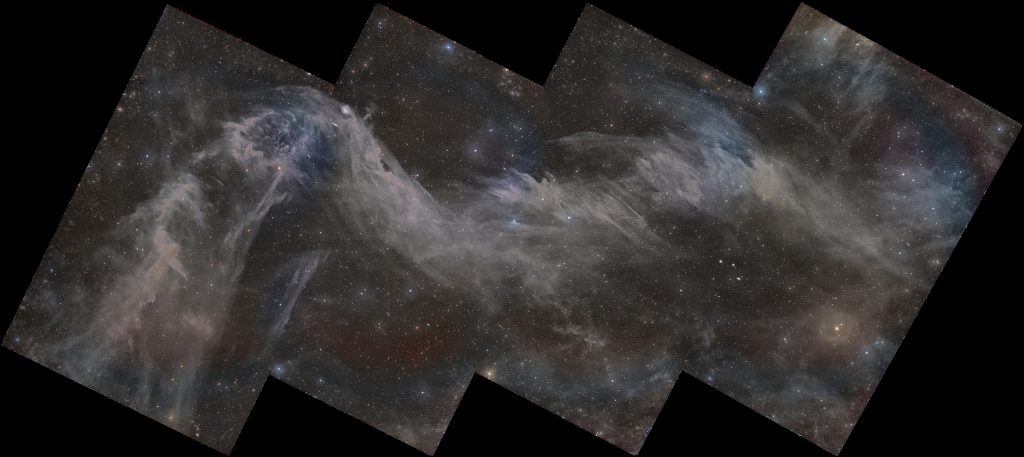
Ever wanted to stack monochrome images easily? What about monochrome mosaics? Well look no further than this script. This is the Naztronomy Mono PP script in Siril and it does wonders. Check out the video for more info.
This is the final result as seen in the thumbnail, although I use sessions of M8 and M20 for the actual demo:
By Naztronomy •
Posted on 7/17/2026
• Updated on 7/18/2026
AstronomyAstrophotographyYouTube Videos
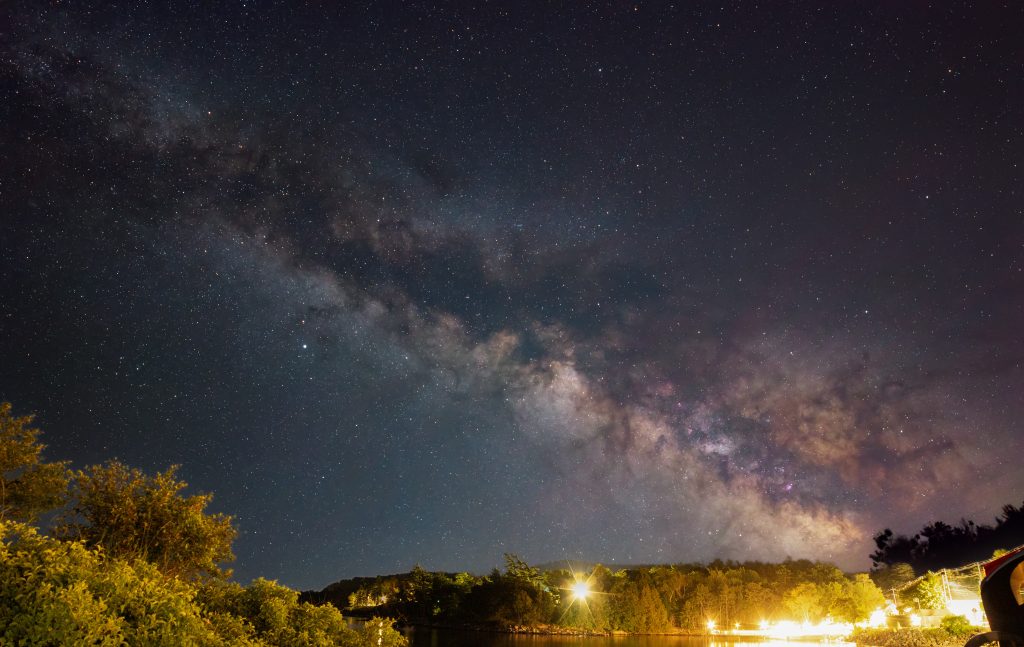
We had a blast last weekend! Three nights of clear skies meant I got a lot of images of the Milky Way Galaxy. The video shows you what I saw from my point of view.
By Naztronomy •
Posted on 7/15/2026
• Updated on 7/16/2026
TutorialYouTube Videos
Although this video is Death Valley Observatories specific, the scripts can be modified to work at any remote observatory. The steps on installing the ASCOM Safety Monitor driver and configuring that is still relevant for all observatories.
Step 5 (DVO Specific): Go to the location where you saved it (e.g C:\Users\Naz\Documents\roof), right click and extract and go into that directory:
Step 6 (DVO Specific): Right click on the roof_status_set.bat file and click “Run as administrator”
Step 7 (DVO Specific): It runs under the “SYSTEM” user so you should get a screen that says something like this with a few success messages and “Press any key to continue…” (press any key):
Step 8(DVO Specific): To verify installation, go to Start >> search for “Task Scheduler “ and look for “RoofStatusSync” in in the list and see if it’s running:
Step 9 (DVO Specific): Go back to the directory where the powershell and batch scripts are and you should see a new “roofstatus.txt” file:
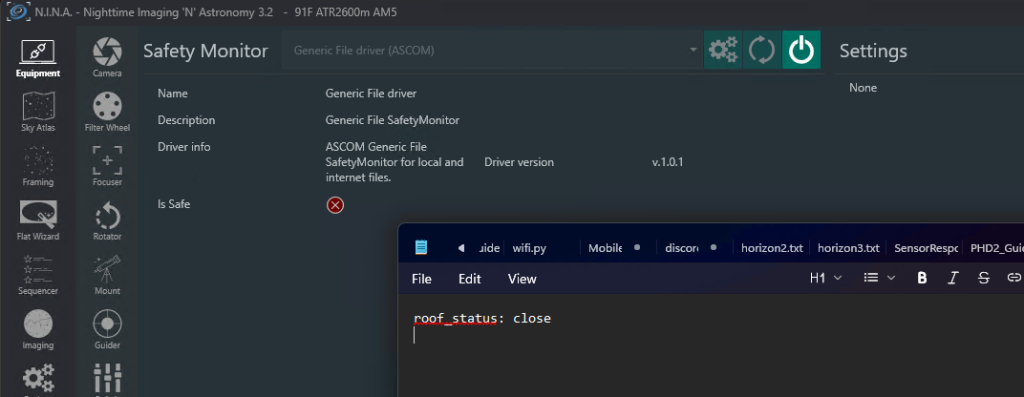
Step 10: Go to N.I.N.A. >> Equipment >> Safety Monitor >> Select “Generic File SafetyMonitor” from the dropdown. If you don’t see it, click the refresh button. If you still don’t see it, restart your NINA and/or reinstall the driver.
Step 11: Click the gear icon to go to the settings:
Step 12: Fill out the form as shown below. Click the “folder” icon on the “Files to Monitor” section and find the roofstatus.txt file (e.g. C:\Users\Naz\Documents\roof\DVO_roof_status\roofstatus.txt)
Note: The PowerShell script runs every 30s, the interval monitor below is 30s, and there’s an additional 10s delay for “unsafe” to kick in so there’s potentially a 70s delay between roof status change and NINA seeing the update. Change the statuses below as you prefer.
By Naztronomy •
Posted on 6/12/2026
• Updated on 6/22/2026
AstronomyReviewYouTube Videos
I think my SAL-33 was cursed! From missing locking knobs to a bad magnetic brake to a bad control board, I had issues with the MLAstro SAL-33 from the very start. Luckily after a few months, everything is smooth as can be.
Watch my video where I talk about my cursed experience with the SAL-33. It still has quite a bit of trust building to do with me but so far, it’s been working pretty well.
If you enjoy my astrophotography content and want to support me, you can use
these affiliate links at no extra cost to you. Every purchase helps keep my
work going!